
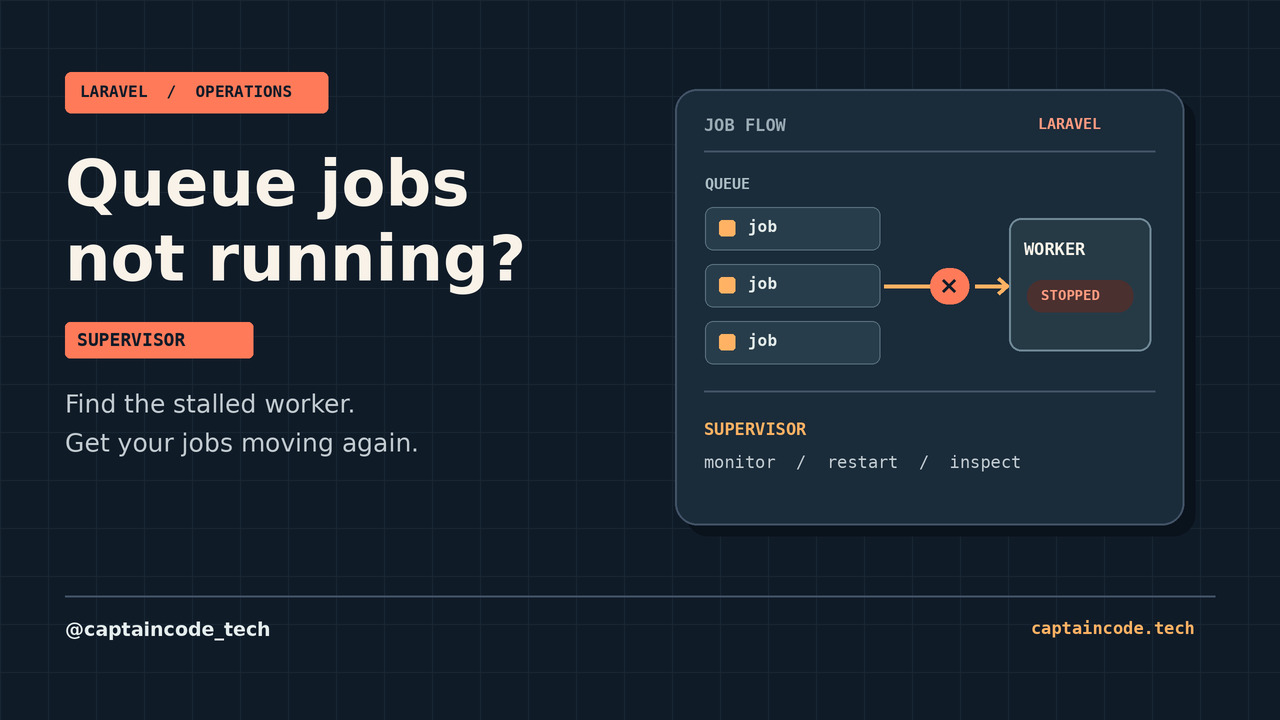
If Laravel jobs are not being processed under Supervisor, check that the worker is running, listens to the same connection and queue as the job, and can reach the backend; then inspect failures and deployment changes.
This guide uses Laravel 12.x and a Linux server with Supervisor. Commands assume an authorized operator in the application's release directory. Examples are starting points, not settings to apply blindly.[1]
Find where processing stops
A queue connection identifies a configured backend; a queue name identifies a queue within it. A job can override either. The sync driver executes immediately instead of waiting for a separate worker, while the null driver discards jobs.[1]
| Symptom | Check | Next step |
|---|---|---|
| Supervisor reports BACKOFF, FATAL or STOPPED | Inspect Supervisor and worker logs, PHP path, working directory, user permissions and backend reachability | Correct the actual startup error, then apply the targeted configuration change |
| Worker is RUNNING but jobs wait | Compare the job's explicit connection and queue with the worker command and config/queue.php |
Align both connection and queue; check delays and backend access |
| Jobs disappear but the expected effect is missing | Inspect failed job records, application logs and downstream service responses | Diagnose the specific failure before considering a retry |
| Behavior changed after deployment | Check the release path and worker restart | Restart gracefully after a verified deploy |
Start with the exact configured process group, replacing the example name if yours differs:
sudo supervisorctl status 'laravel-worker:*'
php artisan queue:failed
RUNNING only confirms a process is running, not that it consumes the right queue or completes jobs. Inspect the job's onConnection and onQueue overrides, the actual worker command and effective configuration. Do not print credentials. With cached configuration, .env is not loaded during requests or Artisan commands, so comparing env() outside config files is misleading.[2] See why Laravel env changes may not take effect.
Configure Supervisor for the intended queue
The following is an illustrative configuration, not a universal production recipe. Replace the PHP binary, release path, Unix user, log path, connection and queue names with values verified on your server. Ensure the user can read the release and write the log, and that the relevant connection exists in config/queue.php.
[program:laravel-worker]
process_name=%(program_name)s_%(process_num)02d
directory=/srv/example/current
command=/usr/bin/php /srv/example/current/artisan queue:work redis --queue=emails,default --sleep=3 --tries=3 --timeout=60
autostart=true
autorestart=true
user=appworker
numprocs=1
redirect_stderr=true
stdout_logfile=/srv/example/shared/logs/queue-worker.log
stopwaitsecs=120
Here redis is the connection name and emails,default are queue names, in priority order. --tries=3 sets a worker attempt limit; job-specific settings may override it. autorestart allows Supervisor to replace an exited worker; stopwaitsecs must exceed the longest expected job runtime. Choose process count and timeouts for your workload.[1]
For this example, make the effective Redis connection's retry_after greater than the worker timeout by several seconds, and account for any job-specific timeout. SQS instead uses its visibility timeout. The example values are safe only if actual jobs and backend settings fit them; otherwise adjust them together. Duplicate processing is possible, so make side effects idempotent where practical.[1]
After reviewing the change and scheduling an appropriate maintenance window, an authorized operator can load it:
sudo supervisorctl reread
sudo supervisorctl update
sudo supervisorctl status 'laravel-worker:*'
update can affect other changed Supervisor groups too, so review all pending configuration changes first. Check the worker logs if the group fails to start. Finally, use an approved non-destructive test job and verify its result in the intended backend and application; do not infer success from process status alone.
Deployments and failed jobs
Long-running workers do not automatically load changed code. After a verified deployment, run the following from the intended release; it signals workers to exit after their current job, and a configured process manager can start replacements.[1]
php artisan queue:restart
The signal uses the application's cache, so the command and intended workers must see the same configured cache. Verify the new process and release path. If a worker does not respond, check cache access and whether restart polling was disabled; do not assume a PHP-FPM reload or a CLI OPcache reset restarts queue workers.[1] Review automated deployment with GitHub Actions for the broader deployment flow.
queue:failed lists recorded failures when the configured failed-job provider supports them. Failure storage can be disabled or use a different backend, so an empty list is not proof of success.[1] Inspect restricted logs and the underlying exception without exposing payloads or secrets. A retry can repeat a payment, email or other side effect: first resolve the cause, confirm the job's idempotency and obtain authorization. If safe, replace the placeholder with the exact ID reported by queue:failed:
php artisan queue:retry <failed-job-id>
Do not type the angle brackets literally. Avoid bulk retries and deletion as troubleshooting shortcuts.
Security and final checks
Run workers as a dedicated least-privileged user, restrict Supervisor control and log access, protect credentials and customer payloads, and set log retention according to policy. Verify backend reachability, matching connection and queue, the worker's release path, timeout settings and an approved test job. For related deployment permissions, see Laravel storage links and Nginx.
Frequently asked questions
Does a RUNNING Supervisor status prove jobs work?
No. It confirms process status, not that the worker reads the right queue or completes the job. Verify with a safe test job and relevant logs.
Is a queue connection the same as a queue name?
No. The connection selects a configured backend; a connection can contain multiple named queues.[1] Check job overrides as well as worker options.
Why does a worker use old code after deployment?
queue:work is long-running and does not notice code changes until restarted.[1] Use the deployment restart procedure and verify the replacement process and release path.
Should I retry every failed job?
No. Investigate the exception and side effects first; retrying can duplicate external actions. Only retry a specific authorized job when it is safe.
Can I use Horizon instead of this worker setup?
Horizon manages Redis queues and provides a dashboard; its own horizon process should still be monitored by a process manager in production.[3] Follow its deployment procedure rather than applying this example blindly.
Conclusion
Identify the actual backend and queue, confirm a healthy worker, inspect failures, and verify a safe end-to-end job before calling the incident resolved. If you need help diagnosing a Laravel deployment, contact the Captain Code team.
Sources
[1] https://laravel.com/docs/12.x/queues [2] https://laravel.com/docs/12.x/configuration [3] https://laravel.com/docs/12.x/horizon